Free Chrome extension · 7-day PRO trial

Every movie.
The whole monitor.

UltraFill removes black bars and fits movies to 21:9 and 32:9 screens. One click on the player, and the panel opens right inside the video.

No account needed · Google Chrome on Windows and macOS
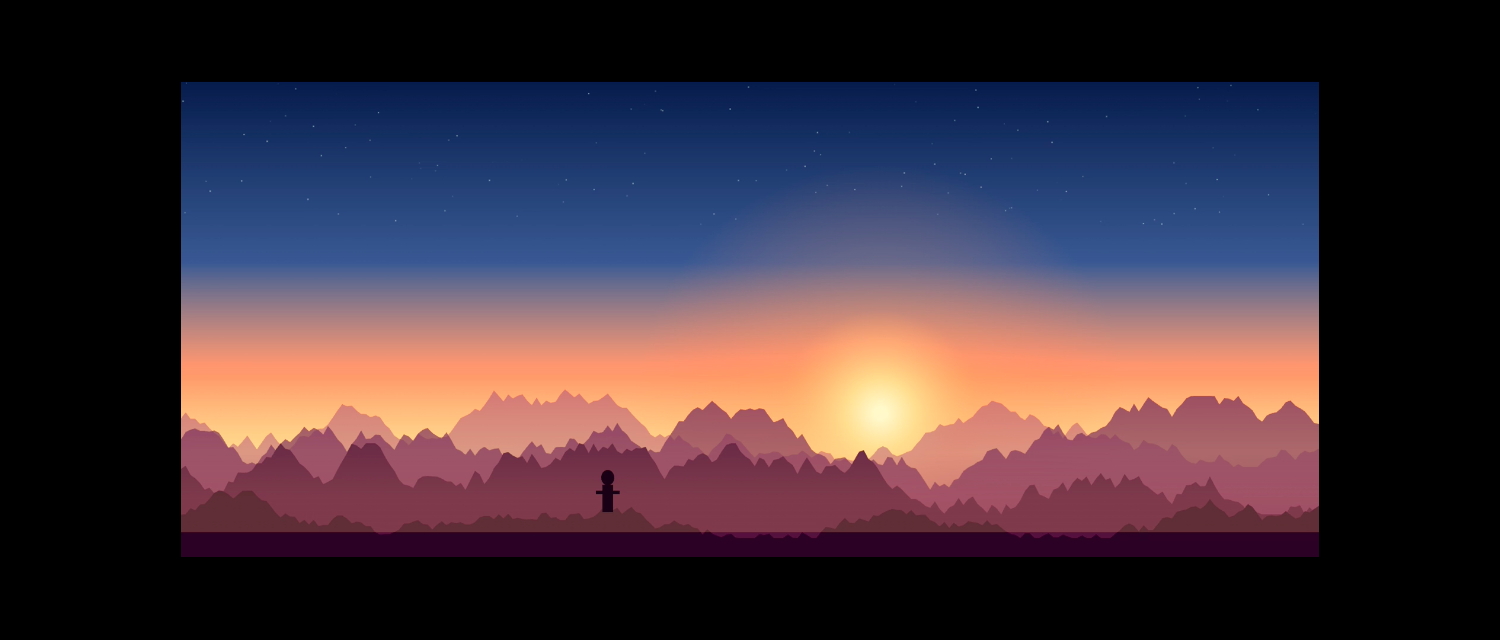
A movie with black bars on an ultrawide screen The same movie filling the whole ultrawide screen BEFORE ULTRAFILL edge to edge
⇆
2.39:1 movie21:9 3440×144032:9 5120×1440drag to compare
WORKS WHERE YOU WATCH
Streaming services Video sites Live streams Online courses Files in the browser

Framing, zoom, format and color work in every player, protected (DRM) ones included.

THE PANEL

Every control, right in the video.

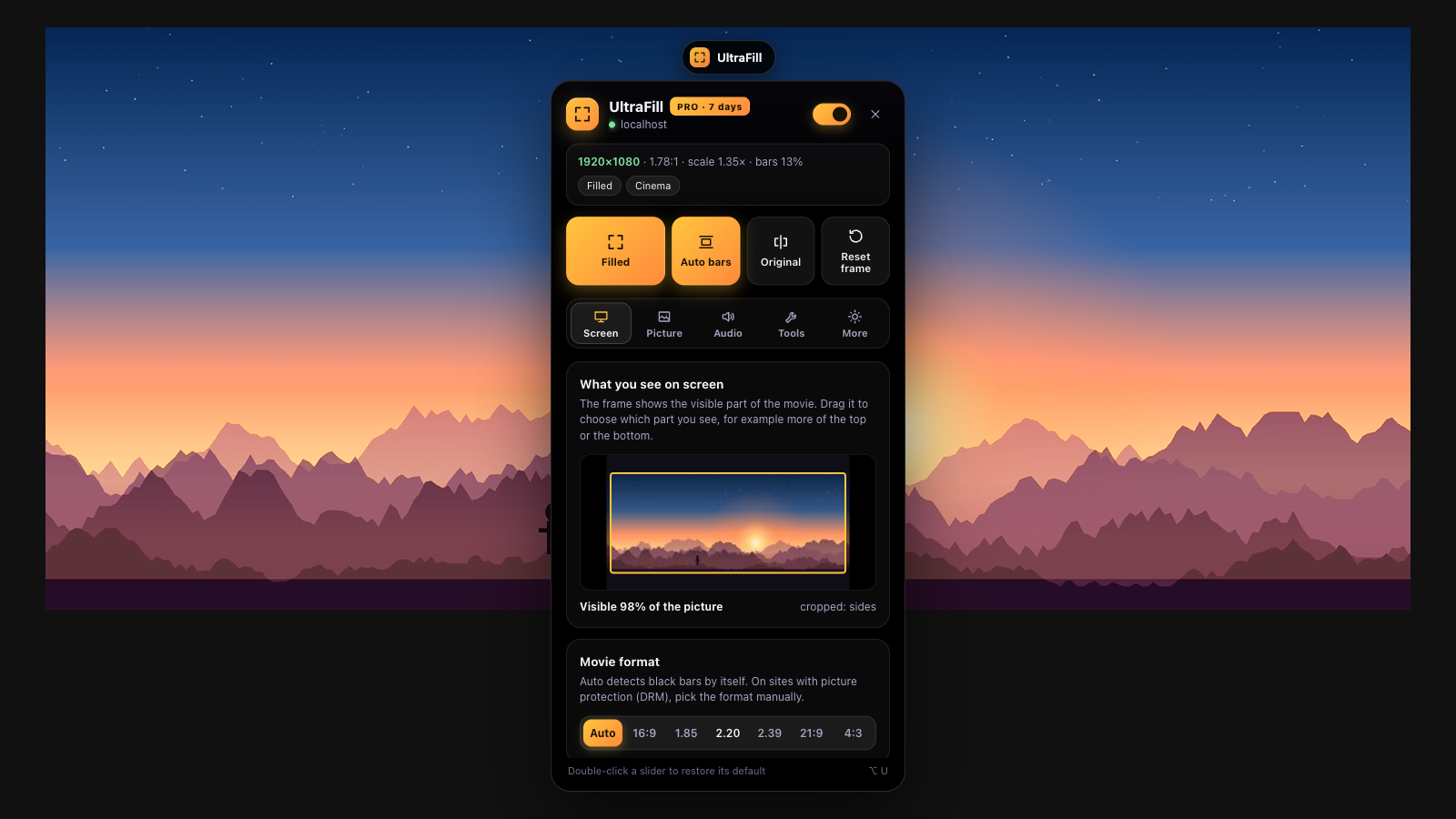
No popup, no settings page. Hover the top of the video, click UltraFill and change things live.

UltraFill panel over a movie
ScreenFill, format, zoom, a frame you can drag
PictureColor, light, styles and film looks
AudioDialog, night mode, equalizer, volume above 100%
ToolsSpeed up to 16×, seeking, loop, snapshot
MoreShortcuts, themes, 10 languages, sync
INCLUDED FREE, FOREVER
4:316:921:932:9

Formats from 4:3 to 32:9

Auto bars detect the format from the picture.

Move the frame

Drag the frame in the preview: more top or more bottom.

AltU

Keyboard shortcuts

Alt on Windows, Option on a Mac.

90°

Rotate and flip

A picture rotated by 90° stays centered on screen.

Color and light

Brightness, contrast, saturation, temperature, shadows.

Alt + C

Original view

Hold a key to compare with the original.

PRO

What the player leaves out, your computer puts back.

Computed live on your machine. Nothing is uploaded, nothing is recorded.

BEFORE

Elastic stretch

Fills the screen by stretching only the edges. The center and faces stay natural.

BEFORE

12 styles and 7 film looks

Cinema, Noir, Retro, Sport, Anime and more, previewed on the movie frame before you pick.

BEFORE

Sharpness and denoise

Detail comes back in a zoomed frame, noise leaves the dark scenes.

Ambient glow

The movie's colors spill around the picture and pulse with the sound.

Speed up to 16×Seeking and frame by frameSleep timer Clear dialogNight mode5-band equalizer A profile per titleResume where you stopped Auto-fill in fullscreenWarmer in the evening Before and after splitSection loop Frame snapshotPicture in pictureCustom shortcuts
PRICING

Unlock all of UltraFill.

Free

The basics.

$0
  • Fill the screen on any site
  • Panel right in the video
  • Formats, zoom, framing
  • Color and light
Add to Chrome

PRO

Everything unlocked.

$2.99 / mo
Billed yearly at $35.88
  • Picture styles and film looks
  • Elastic stretch, sharpness, denoise
  • Ambient glow
  • All audio: dialog, equalizer, night mode
  • Speed, seeking, sleep timer
  • Title profiles, automation, shortcuts, sync
  • One key for 3 computers
Get PRO

Checkout, invoice and VAT are handled by our payment partner. Your key arrives by e-mail. Cancel any time.

QUESTIONS
Does UltraFill collect my data?

No. Your settings stay in your browser. The extension doesn't send your history, the pages you visit or what you watch. With PRO it only checks your license key with our payment partner.

Why do I pick the format by hand on some services?

Some services protect the picture (DRM), so the browser doesn't let anyone analyze it. You pick the format once and the title profile remembers it.

Which computers does it run on?

Google Chrome on Windows and macOS, laptops and desktops.

How do I move PRO to another computer?

Paste the same key in the More tab. A key works on 3 computers, and one click frees the slot on the old one.

Can I cancel my subscription?

Yes, any time, in our payment partner's order portal. The link is in the extension: More, Manage subscription. PRO keeps working until the paid period ends.

Another question? Write to kacper@fenekmedia.pl