YouTube in full screen on an ultrawide monitor
Most YouTube videos are 16:9, and many cinematic uploads are even wider with bars baked in. On a 21:9 or 32:9 monitor you lose the sides of the screen. UltraFill fills it in one click.
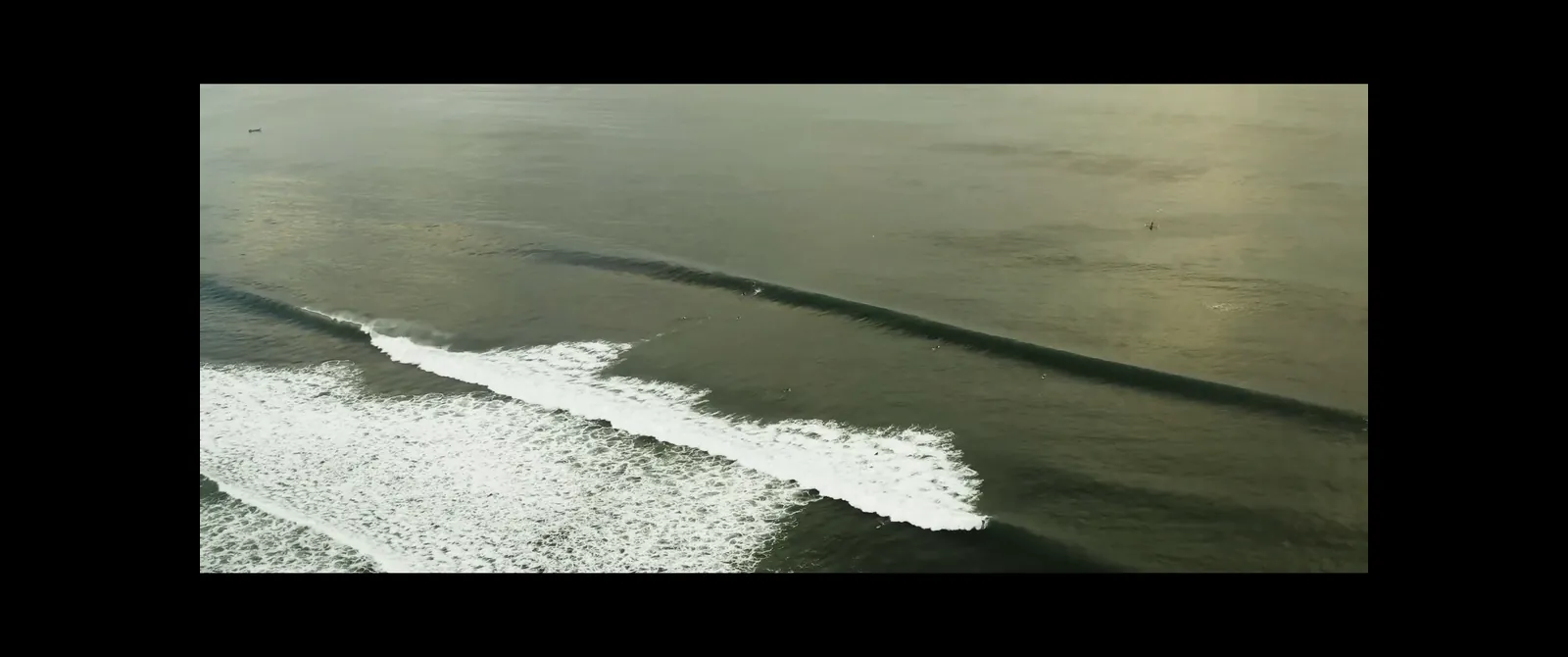
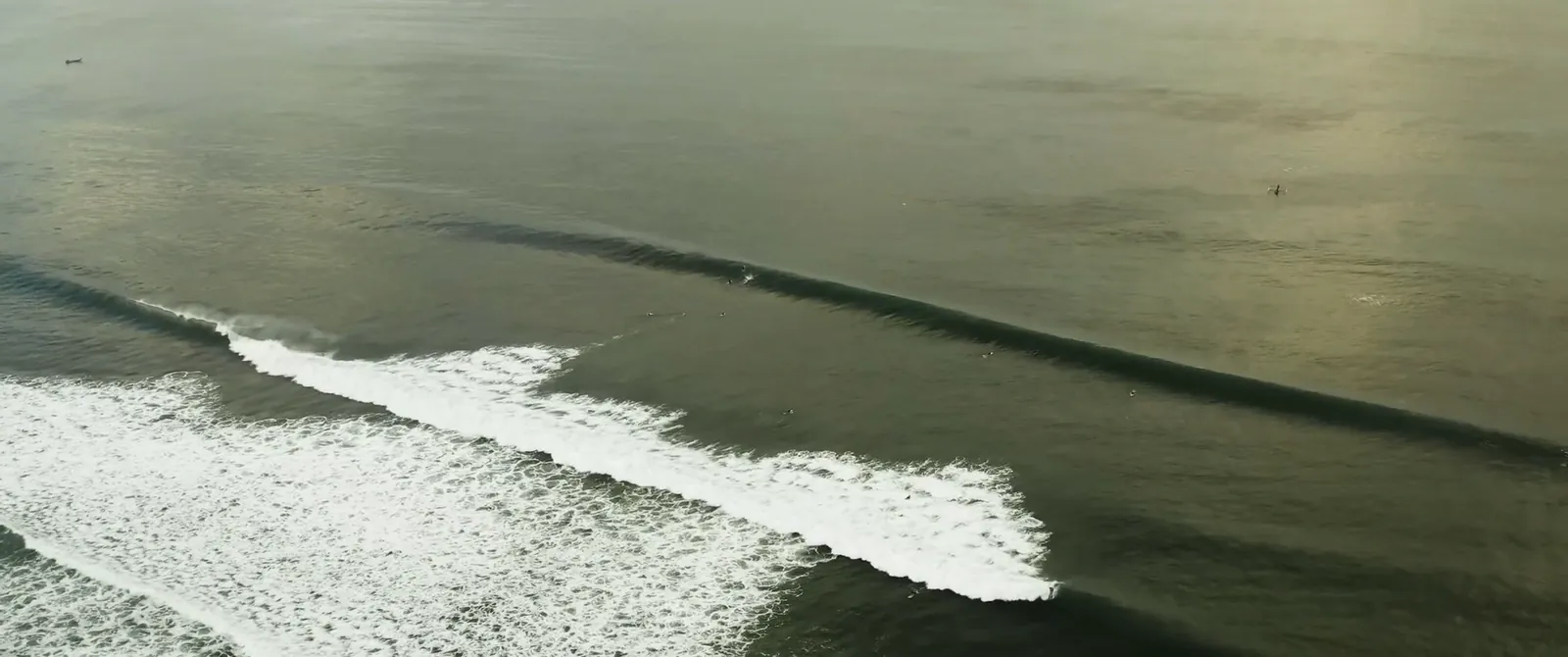
Auto bars do the work
YouTube does not protect its video, so UltraFill can read the picture and find the black bars by itself. Open any video, go full screen and click Fill the screen. If the description says the video is 21:9, UltraFill suggests that format too.
Three ways to fill
- Crop (free): no distortion, a little of the top and bottom is cut. Best for 2.39 movies on 21:9.
- Elastic (PRO): the middle stays natural, only the edges stretch. Best for 16:9 videos on 21:9 and 32:9.
- Stretch (free): the whole picture, stretched evenly.
Handy extras on YouTube
Drag the frame in the panel preview to show more of the top or bottom, zoom with Alt and the mouse wheel, and with PRO add sharpness, a film look or the ambient glow around the video.
UltraFill is an independent extension and is not affiliated with the streaming services mentioned on this page. Service names are used only to describe compatibility.